Macro · Liquidity
#39 How to Confirm a Net Liquidity Inflection in 2 Weeks
· 6 min read
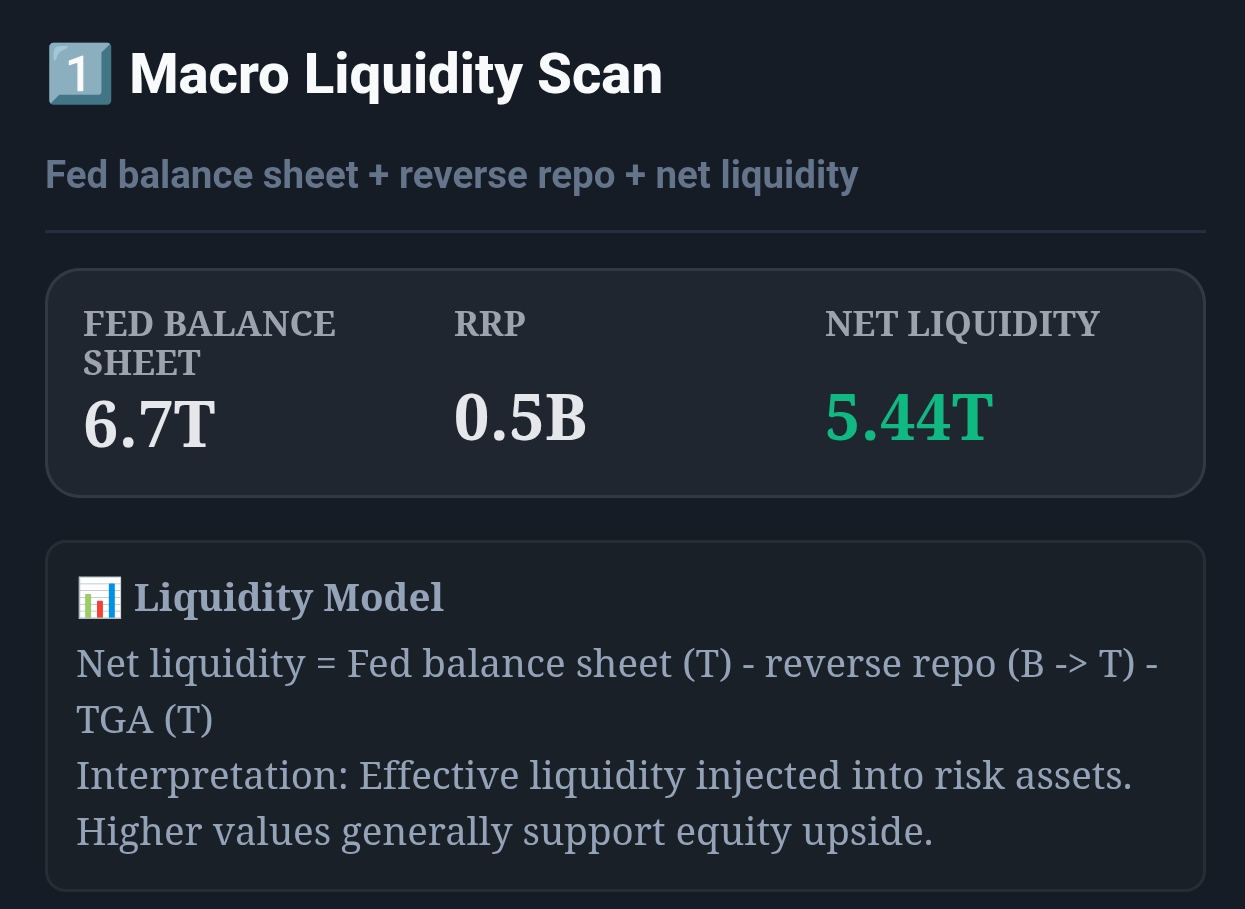
Live capture of Macro Liquidity Scan in Inveflo.
📍 Home › ANALYSIS_2 › Widget 1: Macro Liquidity Scan
0) Where to Find This Widget
Open ANALYSIS_2 from the main dashboard. Use Widget 1: Macro Liquidity Scan to track Net Liquidity (T) and the week-over-week direction.
1) TL;DR
Liquidity is slow-moving, but the data can jump. To avoid whipsaws, only flip regimes after 2 consecutive weeks in the new zone, or after a 0.40T move in 14 days.
2) Hook (Pain-Driven)
Most “macro systems” fail for one reason: they flip too often. The portfolio churn is worse than the drawdown you tried to avoid. The fix is not a more complex model — it’s a simple confirmation rule.
3) Problem
TGA and RRP can cause one-week spikes and dips even when the underlying liquidity regime is unchanged. If you fully rotate on those prints, you get chopped.
4) Solution (Widget Introduction)
Use Macro Liquidity Scan as the measurement layer, but use a confirmation layer for decisions. This separates “data movement” from “regime movement.”
5) Logic Breakdown (Formula + Thresholds)
- Zones: >5.0T risk-on, 4.0–5.0T neutral, <4.0T risk-off.
- Rule A: 2 consecutive weekly closes in the new zone to confirm.
- Rule B: If \u0394NetLiquidity ≥ 0.40T within 14 days, confirm instantly.
6) Practical Use (IF X → THEN Y)
- If Net Liquidity crosses below 4.0T but rebounds the next week, then do not flip risk-off. Keep baseline exposure and tighten stops.
- If Net Liquidity closes below 4.0T for 2 straight weeks, then reduce risk by 25% over 1–3 sessions.
- If Net Liquidity rises by 0.40T within 14 days, then re-risk quickly: add +15% exposure over 3 sessions.
7) Common Mistakes
- Acting on a single weekly print (no confirmation).
- Using levels without trend (slope is the signal).
- Full flipping instead of partial action during ambiguity.
CTA: Open Macro & Flow Dashboard
Open the live liquidity and capital-flow widgets to turn this guide into a weekly portfolio decision process.